

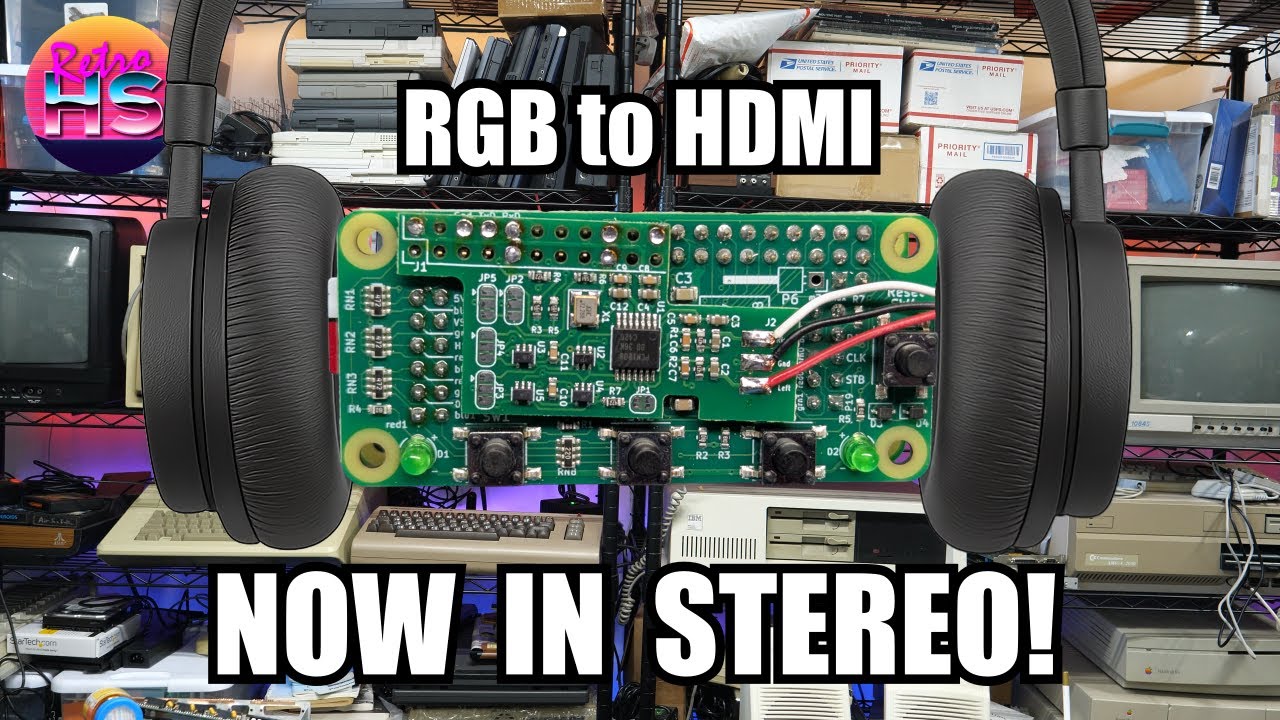
One of the biggest limitations of the RGBtoHDMI setup has always been that it solved video beautifully while leaving audio as a separate problem, so I dug into a new add-on that finally brought those two worlds together. I covered the arrival of audio input support for the RGBtoHDMI and showed how vintage computer sound could be fed into the HDMI output so a modern monitor or TV could handle both picture and audio over a single connection. That pushes the RGBtoHDMI closer to being a more complete everyday solution instead of just an excellent video scaler for retro machines.
I walked through the software side of the feature and showed that this wasn’t just a matter of plugging in a wire and hoping for the best. The new capability depended on updated firmware and menu support, and I demonstrated how the RGBtoHDMI software now handled audio input alongside the existing video processing features. I went through the relevant menu options and explained how the hardware and software worked together to digitize the incoming sound and embed it into the outgoing HDMI stream. HDMI audio support on displays is common, but retro systems obviously don’t produce audio in a form that HDMI can use directly. The update bridged that gap in a practical way. This feature had been heavily requested, so it’s good to see it finally here. RGBtoHDMI remains one of the most flexible video solutions in the retro space, and adding integrated audio made the setup cleaner and more convenient for anyone tired of separate speakers, splitters, or extra cables.

I then put the feature to work with an Apple IIe so there was a real machine producing real sound instead of just menus and theory. I connected the Apple IIe through the RGBtoHDMI and tested the new audio path to confirm that the machine’s sound could travel along with the video into an HDMI-capable display. Retro audio can expose little issues quickly if something isn’t wired correctly or if levels and timing aren’t handled well. I demonstrated the Apple IIe running with both image and sound combined into the HDMI output, showing that the concept wasn’t just technically possible but actually useful in a normal bench setup. The Apple IIe is a great candidate for this kind of test because its sound is simple, recognizable, and easy to verify by ear, and that made it clear the feature wasn’t abstract firmware work but something owners could immediately benefit from on real hardware.

I also covered how people could actually get the new audio-capable setup, which is always one of the first questions after a useful RGBtoHDMI update appears. I explained the buying situation around the hardware needed for audio input support and clarified what viewers should look for if they wanted to add the feature to their own systems. Availability always matters with niche retro hardware, especially for projects that evolve through community development and small production runs, so I made sure to address the practical side rather than leaving it at a technical demo. RGBtoHDMI hardware tends to live in that space between DIY project and polished product, and knowing what board or option to buy is often half the battle for people coming in fresh.

The big takeaway was that RGBtoHDMI has just become a more complete solution for retro computing setups by finally incorporating audio into the HDMI output path. I showed that the feature was real, functional, and already working with an Apple IIe, and that alone made this a meaningful upgrade for anyone using modern displays with vintage hardware. If you’ve been using RGBtoHDMI and wishing the sound could follow the video through one cable, this is exactly the update to pay attention to. Watch the full video to see how the software works, how the Apple IIe performed, and what to look for if you want to buy one.
— Aaron
Links
- RGBtoHDMI
- Fakebit World by Malmen
- Can’t Slow Down / Keeping Up With Commodore by Anders Enger Jensen
- The Dream Is Always The Same by State Azure
Timestamps
00:00 – Overview
08:16 – Software
13:01 – Apple IIe Test
18:30 – How To Buy
Leave a Reply