

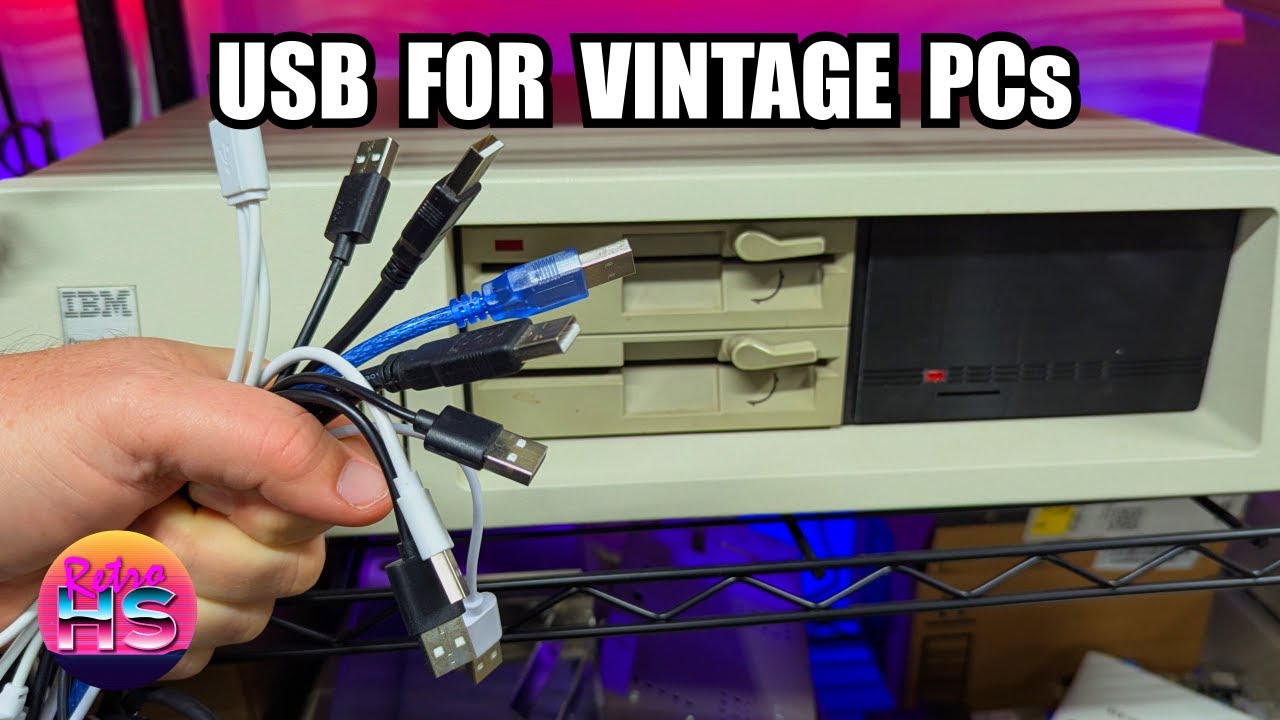
One of the perennial frustrations in retro computing has always been the simple matter of input devices. Old PCs expect old keyboards and old mice, and every year it gets a little harder to keep enough working originals on hand. In this video, I looked at the HIDman adapter, a purpose-built device that lets modern USB keyboards and mice talk to vintage XT, AT, and PS/2-era systems. What made the project especially interesting was that it wasn’t just a theoretical proof of concept. I walked through how the adapter works across several generations of IBM hardware, showed what it could and couldn’t do, and spent time on the kinds of compatibility quirks and practical issues that actually matter when you are trying to use one of these machines on the bench.
I started by explaining what the HIDman actually was and why it filled a real gap for retro PC users. Rather than relying on passive plug adapters or hit-or-miss converter cables, this board actively translates USB HID devices into the signaling expected by older computers. That means it can bridge a modern USB keyboard or mouse to systems that predate USB by a decade or more. I showed the hardware itself, discussed the ports and intended use cases, and framed it as a tool for people who wanted to work on old machines without being completely dependent on scarce original peripherals. That is especially relevant for XT and AT systems, where keyboard protocols are not interchangeable and where modern convenience usually stop at the edge of a DIN connector.

On the IBM PC 5150, I demonstrated one of the most compelling use cases for the HIDman by pairing modern USB input hardware with one of the earliest IBM PCs. This part stood out because the 5150 represents a machine that absolutely never anticipated anything like USB support, yet the adapter made the setup feel surprisingly practical. I showed the physical connection process and verified whether the machine responded correctly to keyboard input. Because XT-class systems used their own keyboard interface conventions, this wasn’t just a matter of changing plugs; the adapter had to correctly emulate the behavior the 5150 expected to see. I focused on whether the machine would accept keystrokes reliably, whether key mapping seemed natural, and whether the experience felt stable enough for real use rather than a one-off demo. This underscored how useful the adapter could be for bench testing, software setup, or everyday interaction with an XT-class machine when a genuine IBM keyboard wasn’t immediately available.

On the IBM PC-AT 5170, I moved to the next major generation and showed how the HIDman behaved with AT-class hardware. This was an important step because the AT keyboard interface differs from the XT standard, and a converter that worked well on one class of machine doesn’t automatically prove itself on the other. I connected the adapter to the 5170 and tested it in a way that highlighted practical compatibility rather than just a cursory power-on check. The AT environment gave me a chance to confirm that the adapter could properly negotiate with a more advanced keyboard controller and still provide dependable input from a USB device. I paid attention to whether initialization worked cleanly, whether the keyboard felt responsive, and whether the machine accepted input consistently through boot and operation. Seeing the HIDman span both the 5150 and the 5170 made it clear that this wasn’t a niche single-system gadget but a broader compatibility solution for multiple eras of IBM-compatible hardware.

In the testing portion, I broadened the focus and spent time validating how the adapter behaved under more realistic conditions. Rather than stopping once a few keys registered, I checked overall usability and explored how well different peripherals worked through the converter. This was where the HIDman had to prove that it was more than technically functional. I looked at keyboard behavior, mouse support where applicable, and the general experience of using modern USB devices on old hardware that had very different expectations about timing and signaling. This section helped establish whether the adapter was suitable for regular use on a workbench or in a restored system. I treated it like the sort of testing any retro enthusiast would want to see before trusting the device with an important machine: not just “does it work,” but “does it work well enough to be worth keeping connected?”

The troubleshooting section was especially valuable because it dealt with the inevitable rough edges that came up when modern peripherals met vintage systems. Instead of glossing over issues, I worked through them and showed the kinds of problems a user might actually encounter. That included compatibility questions, behavior that wasn’t immediately as expected, and the process of determining whether the issue came from the adapter, the USB device, the host computer, or the configuration. Retro hardware rarely behaves perfectly on the first try, and successful projects usually depend on patient isolation of variables. I demonstrated what needed to be checked, what assumptions didn’t hold up, and how the HIDman could be made to behave properly once the right conditions were met. For viewers considering one of these adapters, this probably provided the most practical value because it set realistic expectations and showed that a little experimentation might be part of the process.

On the IBM PS/2 system, I showed the HIDman operating in an environment that was historically much closer to modern input expectations, but still distinct enough to make the test worthwhile. The PS/2 line already lived in the world of dedicated keyboard and mouse ports, so this section was less about overcoming a primitive interface and more about demonstrating flexibility across yet another important platform family. I connected the adapter and tested how it handled USB peripherals on a machine that represented the late 1980s and early 1990s transition period. This helped show that the HIDman wasn’t locked to only the earliest IBM standards, but could also serve users working with later systems that still relied on legacy keyboard and mouse interfaces. I paid attention to whether both keyboard and mouse integration felt natural, whether the system recognized the translated devices properly, and whether using contemporary USB hardware on a PS/2 machine felt like a practical everyday setup rather than a novelty.

In the further development segment, I discussed where the HIDman could go next and what refinements or expanded capabilities might make it even more useful. I talked about the possibilities for improving compatibility, refining firmware behavior, and extending support based on real-world testing feedback. That kind of openness matters in the retro computing space, where edge cases are everywhere and no single solution ever covers every clone board, every keyboard, and every oddball peripheral on day one. By addressing future work, I made it clear that the HIDman was already highly useful but still had room to grow, and that continued development could make it an even stronger tool for collectors, restorers, and tinkerers who routinely moved between different generations of vintage PCs.
The big takeaway was that the HIDman turns a persistent retro computing headache into something much more manageable. It gives old-school PCs a way to work with readily available USB keyboards and mice, and it does so across a surprisingly wide range of systems, from the IBM 5150 through the AT era and into PS/2 machines. Just as importantly, compatibility work isn’t magic; I showed the testing, the edge cases, and the troubleshooting that made the end result meaningful. If you’ve ever struggled with flaky original peripherals, missing keyboards, or the hassle of keeping multiple legacy input devices around just to service old systems, this is a video worth watching all the way through.
— Aaron
Links
Timestamps
00:00 – What Is The HIDman?
09:34 – USB On The IBM PC 5150
16:51 – USB On The IBM PC-AT 5170
20:01 – PCBWay Ad
20:43 – Testing
24:29 – Troubleshooting
32:29 – USB On An IBM PS/2 System
40:01 – Further Development
Leave a Reply